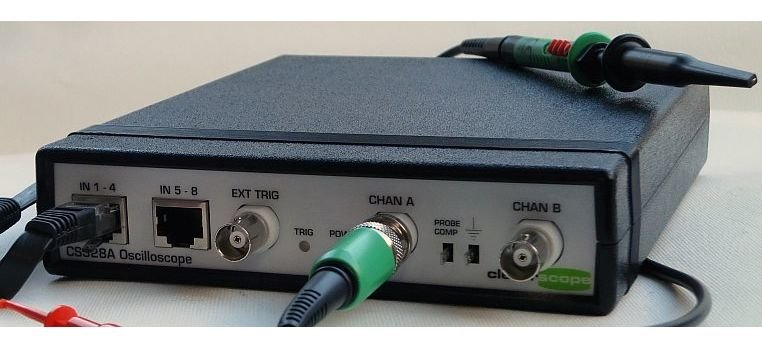
The Cleverscope CS328 software can be installed on a Windows Vista system using the setup CD provided with the acquisition unit. Upon running setup.exe, the user must approve any User Account Control (UAC) prompts by clicking Continue.
After the software installation completes, users must leave the CD in the drive, connect the Cleverscope acquisition unit via USB, and wait for Vista to detect the device (Cleverscope CS328 MSO). When prompted, users should select "Locate and Install driver software" and allow the system to search the CD for the necessary drivers.
Because the driver may not be digitally signed, Vista will warn the user—clicking “Install this driver software anyway” is necessary to complete the installation. Once successful, the system will confirm the hardware installation.
To launch the software:
-
Navigate to Start > All Programs > Cleverscope > Cleverscope
-
Use the Auto button to begin capturing signals
-
Exit as needed from File > Exit or the window close button
-
For probe setup, refer to page 18 of the CS328 user manual